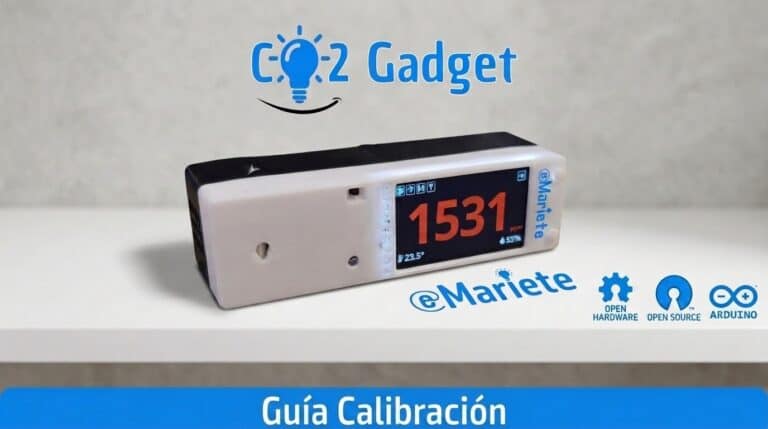
Calibrar correctamente tu sensor de CO₂ NDIR es esencial para obtener lecturas fiables a lo largo del tiempo. CO2 Gadget soporta calibración forzada (FRC) para Sensirion SCD4x desde la app MyAmbience y desde la página web de calibración, además de calibración automática ABC y ajuste manual para MH-Z19 y Senseair S8.
Calibration methods
| Method | Via | Rank |
|---|---|---|
| FRC (Forced Re-Calibration) | Web, menu, series, BLE, MQTT | 400–2000 ppm |
| Calibration at 400 ppm | Menu | 400 ppm fixed |
| Custom calibration | Menu | 400–2000 ppm |
| ASC (Automatic Calibration) | Menu | ON / OFF |
Warm-up routine
CO2 Gadget implements a warm-up routine in accordance with the manufacturer’s specifications for each sensor. During the warm-up, the meter accumulates readings and time before applying the calibration. Progress is retained even during deep sleep.
Pressure compensation
The SCD30 and SCD4x sensors allow you to compensate CO₂ measurements for atmospheric pressure. You can enter the pressure in millibars or the altitude above sea level via the menu Settings → CO₂ Sensor → Comp. Pressure.
Web-based calibration
The page /calibration.html It displays real-time CO₂ readings and includes a form for performing a forced calibration. Simply enter the value (400–2000 ppm) and press ‘Calibrate’.
Important notes
- Calibration at 400 ppm requires the sensor to be exposed to clean outside air
- The CM1106 sensor in continuous mode pauses deep sleep during calibration
- CO2 Gadget offers professional calibration options that you won’t find in standard meters
All CO₂ Gadget guides
Main page · Installation (Web Installer) · Compatible sensors · Menu · Calibration · FAQ
Connectivity: WiFi and API · Web Interface · MQTT and Home Assistant · BTHome v2 · Bluetooth (BLE) · App MyAmbience · ESP-NOW
Advanced: Low Power · Outputs (Buzzer, NeoPixel, Relays) · Migrate from CO₂ Easy · Why CO₂ Gadget?
¿Te ha sido útil? Comparte este artículo. Consulta también la Menu Guide. ¿Tienes dudas? Pregunta en el Telegram group.