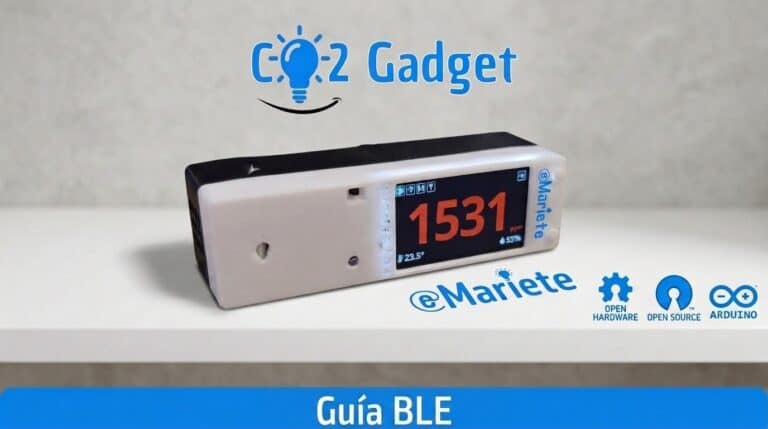
The CO2 Gadget’s Bluetooth Low Energy feature allows you to view real-time measurements via the Sensirion MyAmbiance app (iOS and Android) and configure your monitor without needing Wi-Fi. In this guide, you’ll learn how to pair the device, what data is displayed in the app, and how to set up Wi-Fi via MyAmbiance.
What you can do with BLE
- View CO₂, temperature and humidity in real time
- Download historical data to your mobile phone
- Set up the meter’s Wi-Fi
- Calibrate the SCD4x sensor
- Distinguish between different meters by Device ID
How to use BLE on the CO2 Gadget
BLE is coming enabled by default. All you have to do is install the app Sensirion MyAmbiance (free on iOS and Android), open it and search for your device. The monitor will appear automatically. It’s that simple to have a high-quality CO₂ monitor up and running on your mobile.
Data history
The CO2 Gadget stores readings in a configurable circular buffer (up to 1,440 samples). You can download this history to your mobile phone via the MyAmbiance app. The sampling interval for the history is configured via the meter’s menu.
Wi-Fi configuration via BLE
Using the MyAmbiance app, you can set up your meter’s SSID and Wi-Fi password without needing to use any buttons or a screen. It’s the easiest way to get your meter up and running.
Important notes
- BLE works independently of Wi-Fi
- You can have BLE and Wi-Fi active at the same time
- The Bluetooth Device ID allows you to distinguish between different meters in the app
- CO2 Gadget offers a BLE experience superior to any similarly priced commercial meter
BTHome for Home Assistant
In addition to the MyAmbiance service, CO₂ Gadget supports BTHome v2, an open BLE standard that Home Assistant detects automatically — no MQTT, no Wi-Fi, no configuration required. You can enable BTHome via the Web UI (Preferences → Connectivity) and select which sensors you want to broadcast.
Read the BTHome Guide for further details.
Did you find this useful? Share this article. Have a look at the Menu Guide. Any questions? Ask on the Telegram group or open a issue on GitHub.