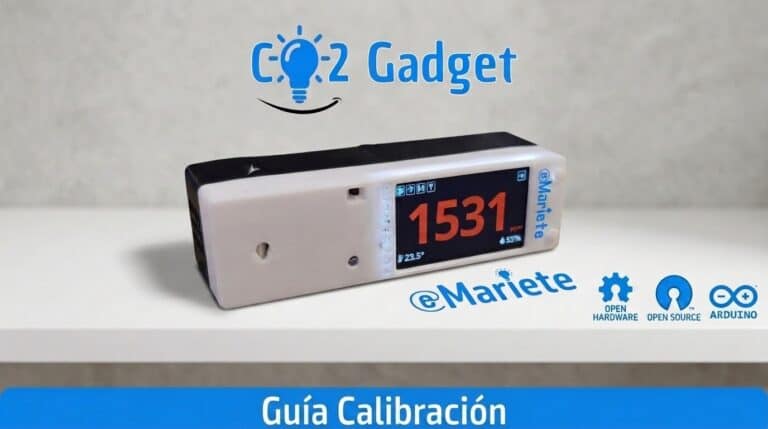
Calibrating your NDIR CO₂ sensor correctly is essential for obtaining reliable readings over time. CO2 Gadget supports forced calibration (FRC) for Sensirion SCD4x via the MyAmbiance app and the calibration webpage, as well as automatic ABC calibration and manual adjustment for the MH-Z19 and Senseair S8.
Calibration methods
| Method | Via | Rank |
|---|---|---|
| FRC (Forced Re-Calibration) | Web, menu, series, BLE, MQTT | 400–2000 ppm |
| Calibration at 400 ppm | Menu | 400 ppm fixed |
| Custom calibration | Menu | 400–2000 ppm |
| ASC (Automatic Calibration) | Menu | ON / OFF |
Warm-up routine
CO2 Gadget implements a warm-up routine in accordance with the manufacturer’s specifications for each sensor. During the warm-up, the meter accumulates readings and time before applying the calibration. Progress is retained even during deep sleep.
Pressure compensation
The SCD30 and SCD4x sensors allow you to compensate CO₂ measurements for atmospheric pressure. You can enter the pressure in millibars or the altitude above sea level via the menu Settings → CO₂ Sensor → Comp. Pressure.
Web-based calibration
The page /calibration.html It displays real-time CO₂ readings and includes a form for performing a forced calibration. Simply enter the value (400–2000 ppm) and press ‘Calibrate’.
Important notes
- Calibration at 400 ppm requires the sensor to be exposed to clean outside air
- The CM1106 sensor in continuous mode pauses deep sleep during calibration
- CO2 Gadget offers professional calibration options that you won’t find in standard meters
Did you find this helpful? Share this article. Have a look at the Menu Guide. Any questions? Ask on the Telegram group.