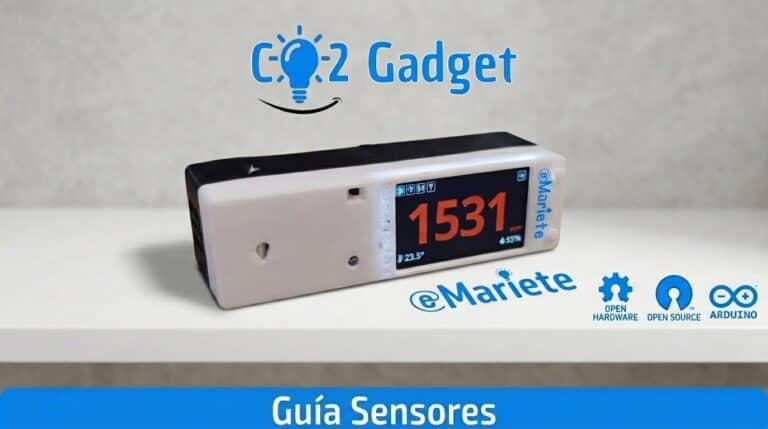
CO2 Gadget supports more than 20 sensors for the ESP32: CO₂ NDIR (Sensirion SCD30/SCD40/SCD41, MH-Z19, CM1106, Senseair S8), particulate matter (Sensirion SPS30, Plantower PMS5003/PMS7003, SN-GCJA5), temperature/humidity/pressure (BME280, BME680, SHT31, AHT20) and VOC/NOx (SGP40, SGP41). Here is the complete table showing compatibility, pin assignments and auto-detection.
CO₂ sensors
| Sensor | Interface | Detection |
|---|---|---|
| Sensirion SCD30 | I²C | Automatic |
| Sensirion SCD40 / SCD41 | I²C | Automatic |
| Winsen MH-Z19 (A/B/C/D/E) | UART | Manual selection |
| Cubic CM1106 / CM1106SL-NS | UART | Manual selection |
| Senseair S8 LP | UART | Manual selection |
Particulate matter (PM) sensors
| Sensor | Interface | Publish |
|---|---|---|
| Sensirion SPS30 | UART / I²C | PM1, PM2.5, PM4, PM10 |
| Panasonic SN-GCJA5 | UART / I²C | PM1, PM2.5, PM4, PM10 |
| Plantower (PMS x003) | UART | PM1, PM2.5, PM4, PM10 |
| Nova SDS011 | UART | PM2.5, PM10 |
| IKEA Wind Direction | UART | PM2.5 |
Environmental sensors
All of these are automatically detected via I²C: BME280, BMP280, BME680 (IAQ), SHT31, AHT10, AM2320, DFRobot SEN0469 (NH₃), DFRobot SEN0466 (CO) and Geiger CAJOE.
How to choose the sensor
I²C sensors are detected automatically — select «Auto» from the menu. For UART sensors (MH-Z19, CM1106, Senseair S8), go to Settings → CO₂ Sensor → Sensor and choose the model. Remember to save your changes.
Notes
- I²C sensors are plug-and-play thanks to the CanAirIO sensorlib
- PM particles are published via MQTT using Home Assistant Discovery
- Check the GPIO pinout diagram to find out where to connect each sensor
- CO2 Gadget supports more sensors than any commercial meter
Did you find this helpful? Share this article. Have a look at the Menu Guide. Any questions? Ask on the Telegram group.